Windows games, as Mac apps
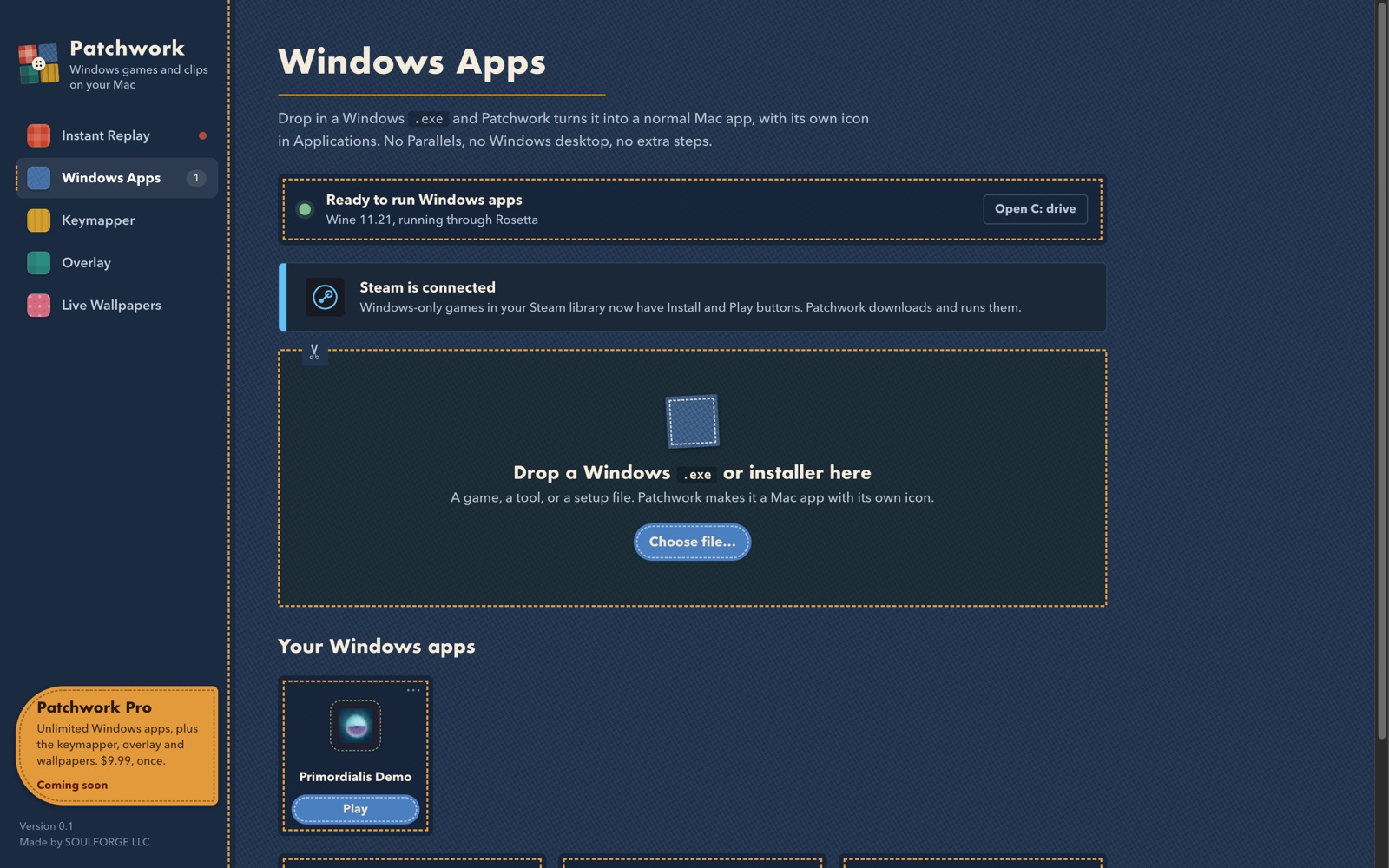
Drop in a Windows .exe and Patchwork turns it into a normal Mac app with its own icon in Applications. No Parallels, no Windows desktop.
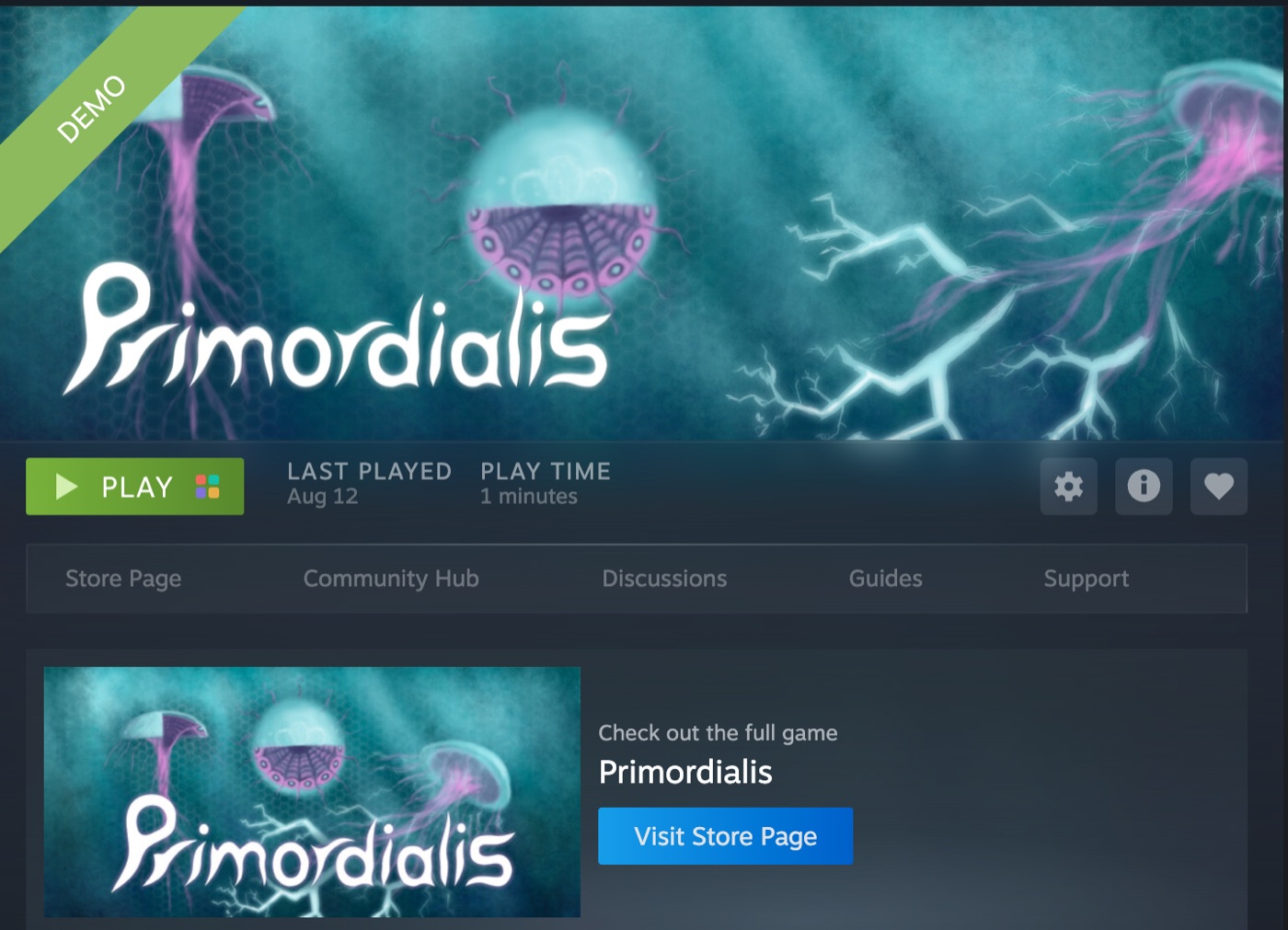
- Windows-only games in Mac Steam get Install and Play buttons, right where the greyed-out Install used to be.
- OpenGL games get patched on the fly so they run on the Mac's graphics.
- Installers work too: run one, then pick the game it installed.
Instant Replay
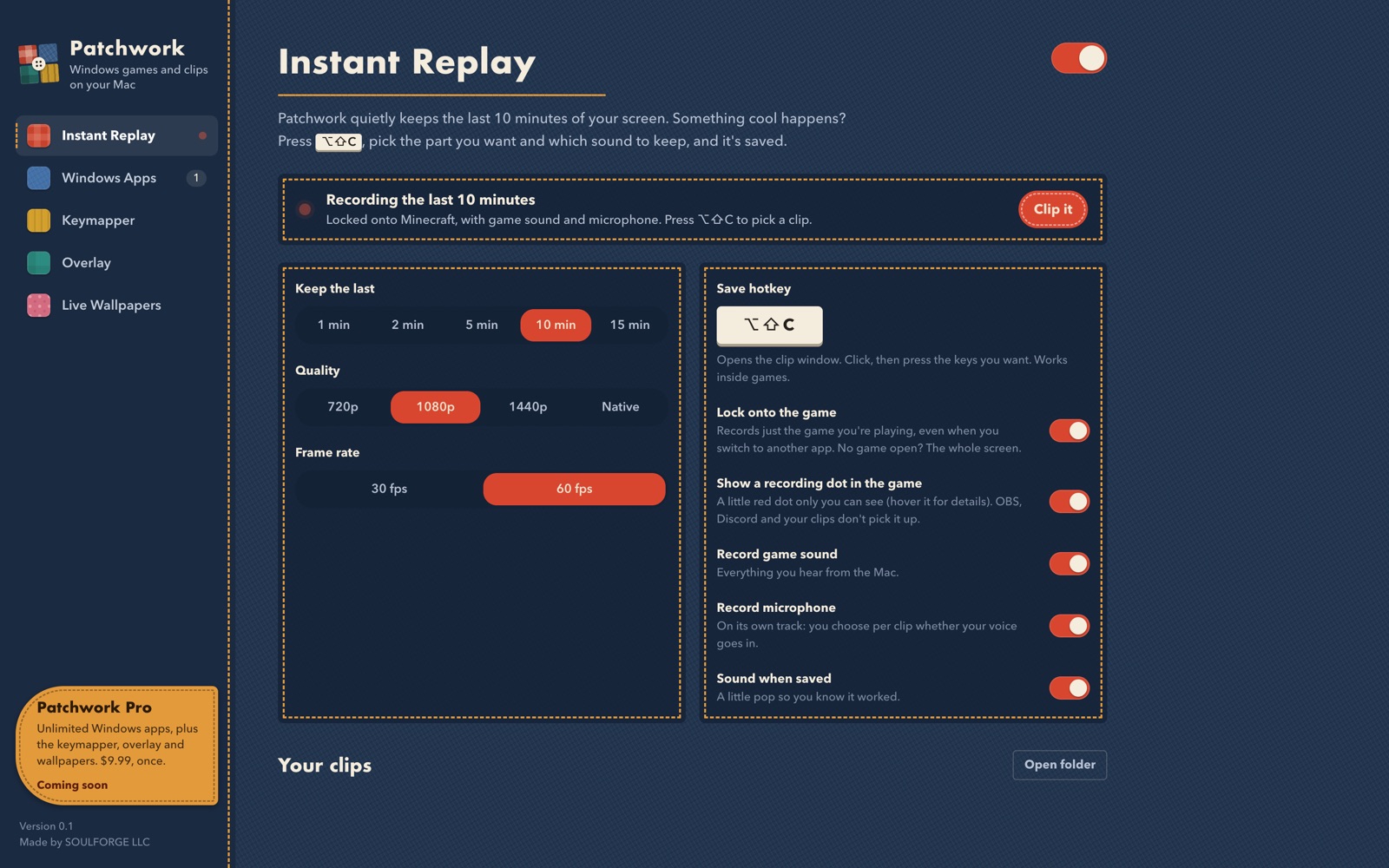
Patchwork quietly keeps the last 10 minutes. Something great happens? Press ⌥⇧C, trim to the moment, choose game sound, your mic or both, and it's saved.
- Locks onto your game, so alt-tabbing to Discord doesn't end up in the clip.
- A tiny red dot tells you it's recording. Only you can see it.
Overlay
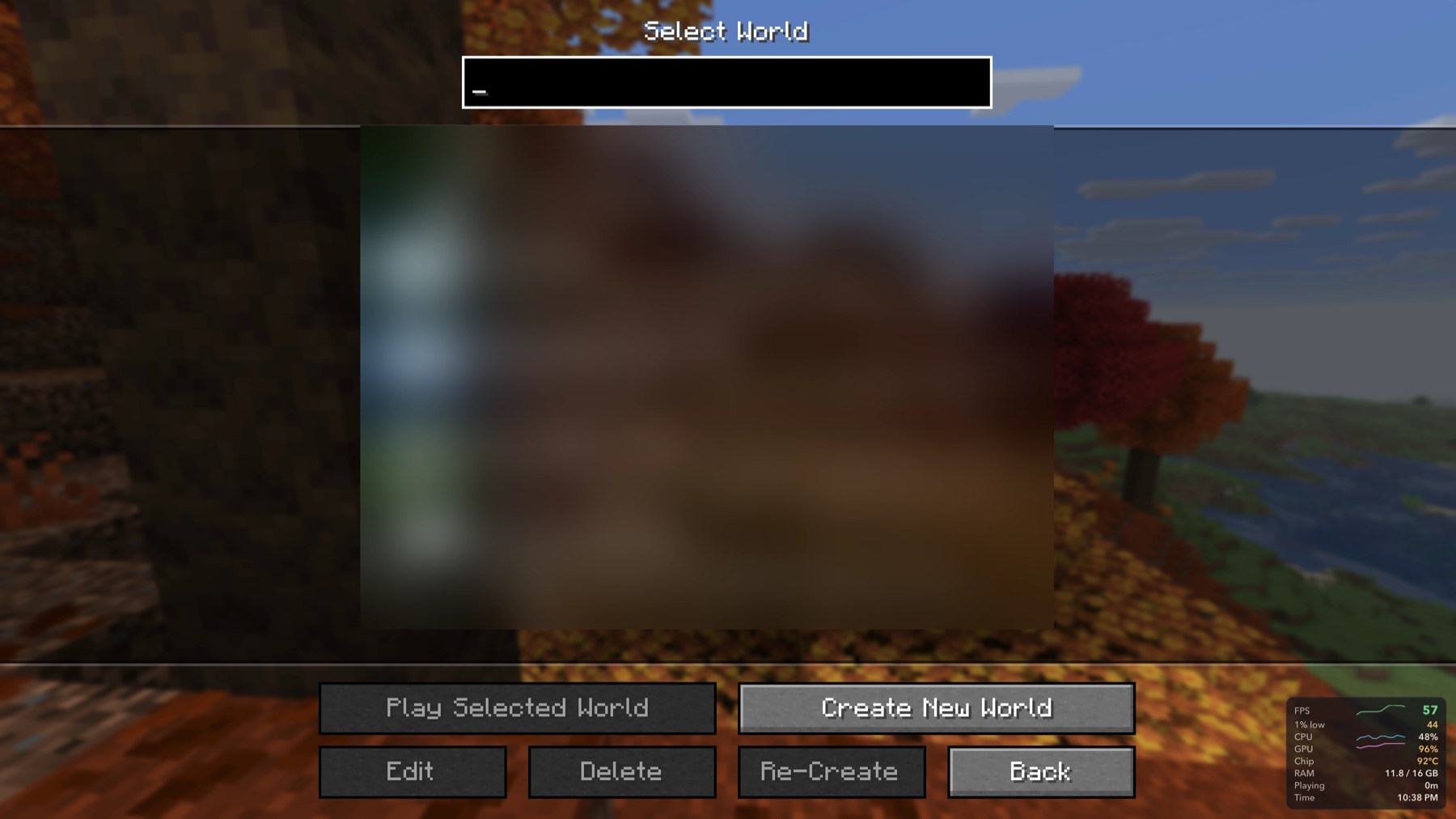
FPS, 1% lows, CPU and GPU load, chip temperature, RAM, time played and a clock, sitting in a corner of your game.
- Six styles, from a single quiet line to a green retro terminal.
- OBS, Discord and your clips can't see it unless you want them to.
- A custom crosshair for games that don't have one.
Keymapper
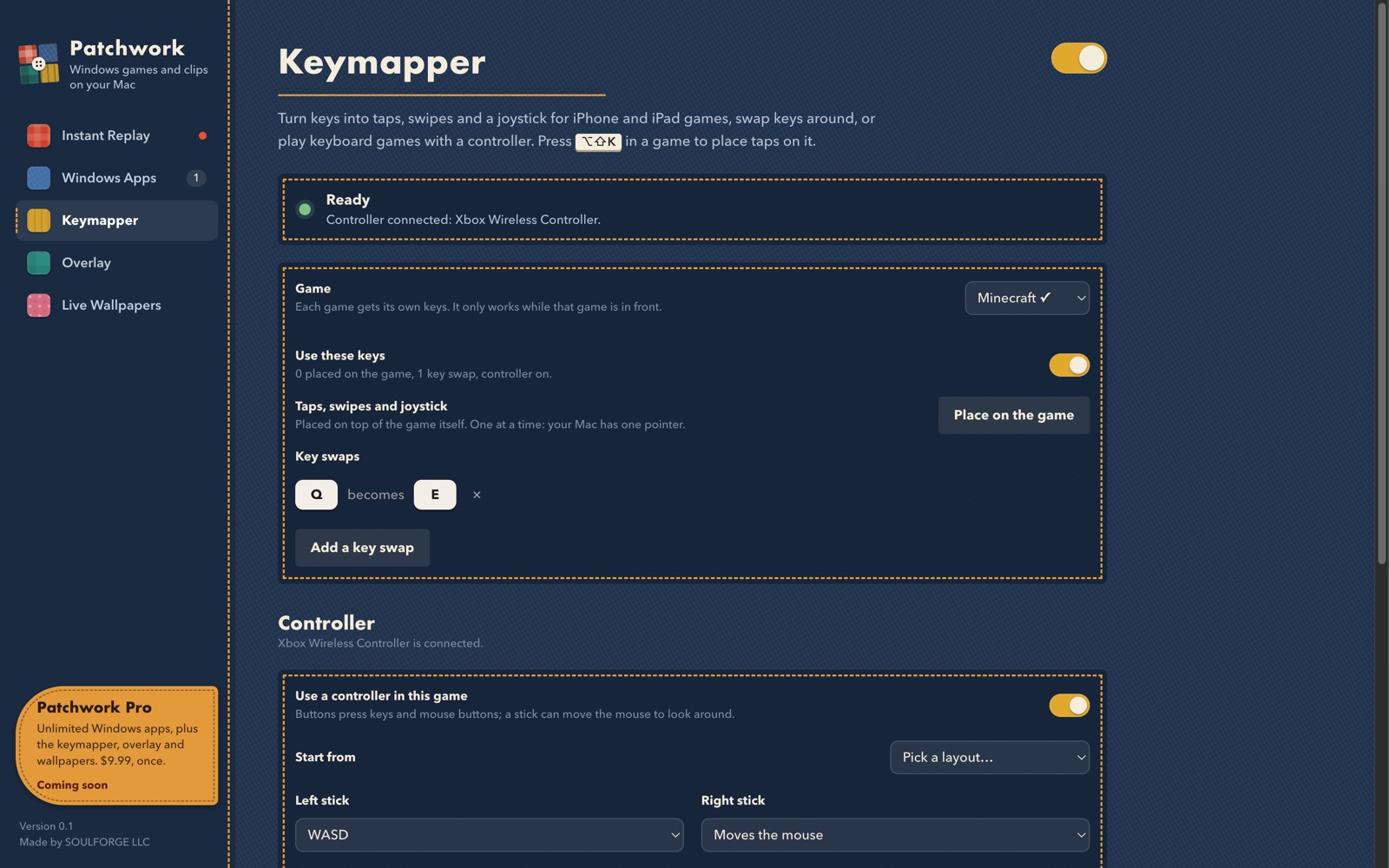
Turn keys into taps, swipes and a WASD joystick for iPhone and iPad games. Swap keys around. Or play keyboard games like Minecraft with a controller.
- Press ⌥⇧K in a game and place your taps right on top of it.
- Each game keeps its own layout.
Live Wallpapers
Your desktop, alive. Interactive ones react to your mouse across every screen and treat your app windows as walls. They pause on their own when a game covers the desktop, and keep running after you quit Patchwork.

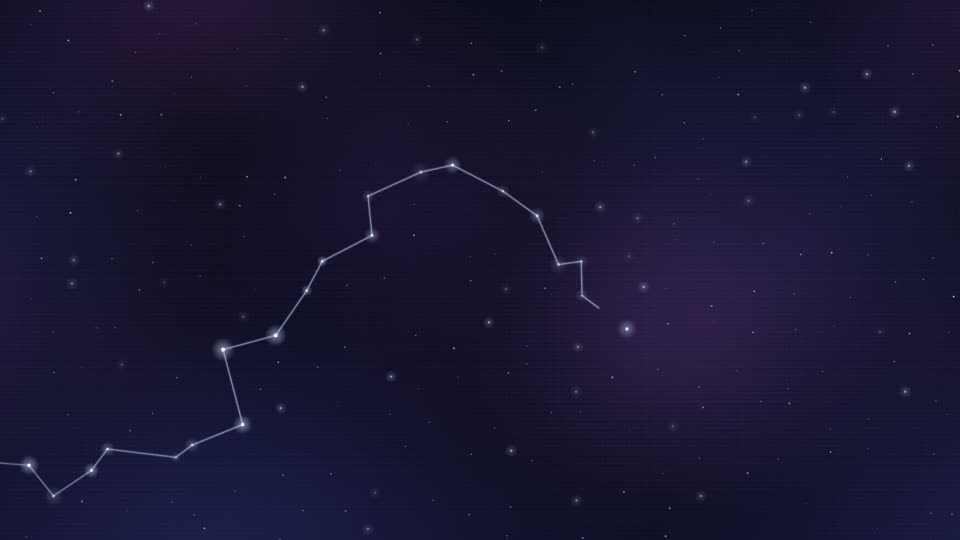

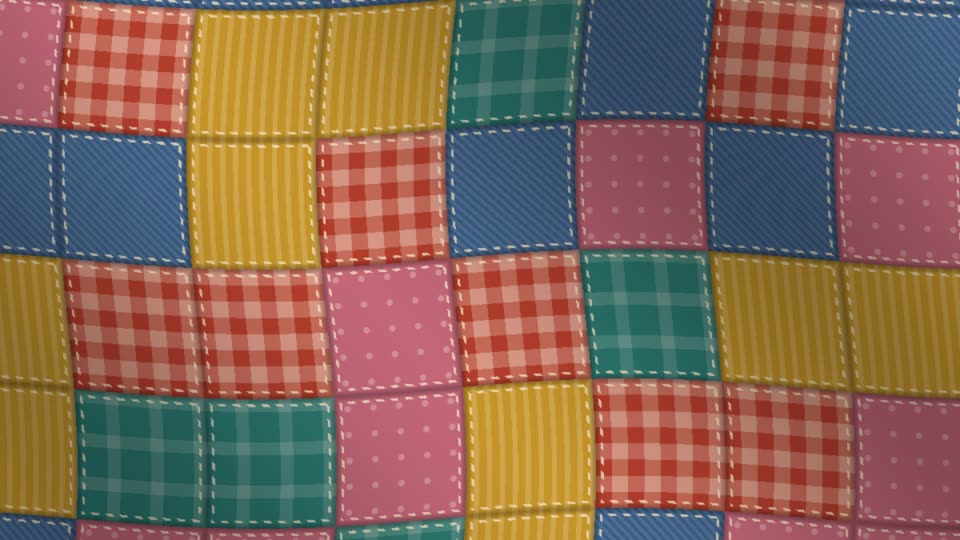

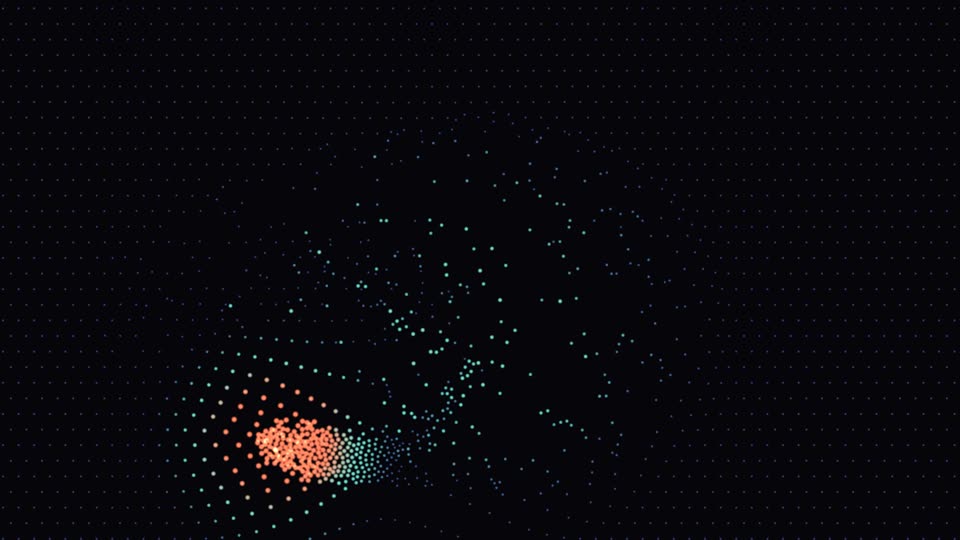

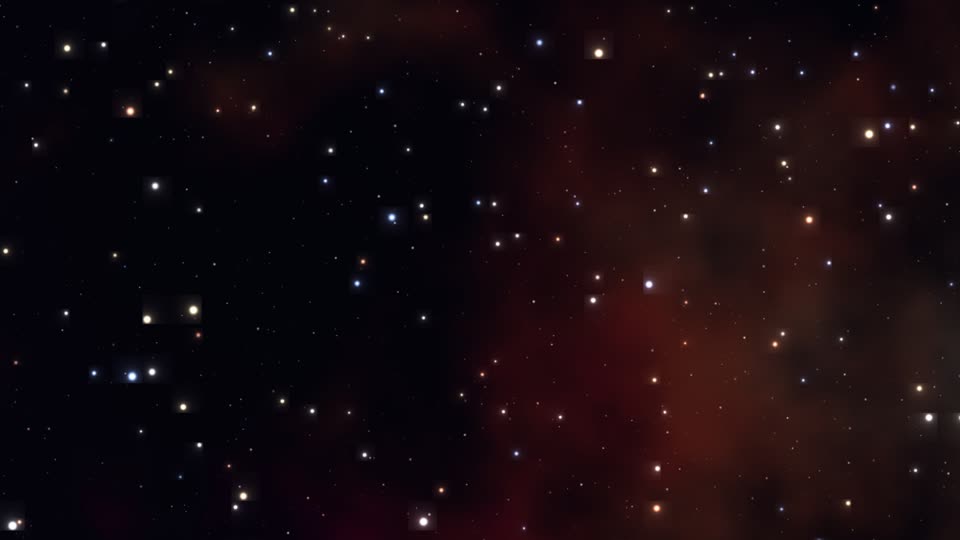
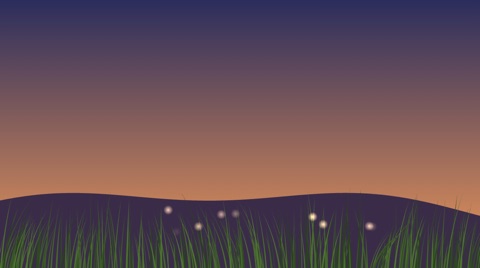

Plus Ripples, Flashlight, Neon trail, Eyes, Black hole, Aurora, Synthwave and more. Every one has its own settings.
What runs, honestly
Opening it the first time
- Download it from itch.io, unzip it and drag Patchwork into your Applications folder. If your browser warns about the download, choose to keep it: Patchwork is new, so browsers haven't seen many people download it yet.
- Open it. macOS will say it can't check Patchwork for malware. That's because it isn't notarized by Apple yet, not because anything is wrong with it.
- Open System Settings, then Privacy & Security, scroll down and click Open Anyway next to Patchwork. You only do this once.
- Give it Screen Recording when it asks, so Instant Replay and the overlay's FPS counter work. The Keymapper asks for Accessibility the first time you turn it on.
Pricing at launch
Free
A taste of everything: all of Instant Replay, up to 10 Windows and Steam games, the overlay in its Panel style, the keymapper for one game, and three live wallpapers (Fluid, Aurora and Patchwork quilt).
Patchwork Pro
Everything, unlimited: as many Windows apps and keymapper games as you like, every overlay style and the crosshair, every live wallpaper, and your own videos as wallpapers.
Not a subscription. Pay once and it's yours.